Sharing reports is available only for reports you created or for reports you are granted permissions to share.
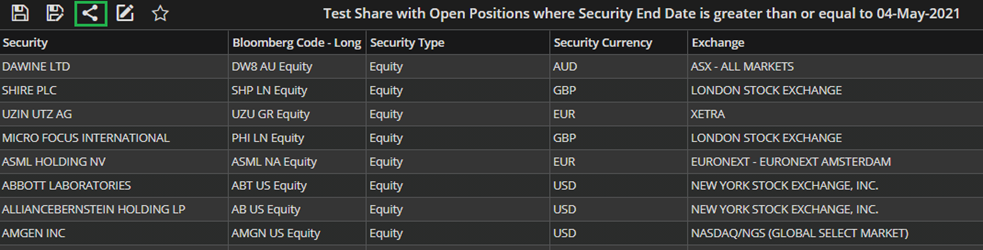

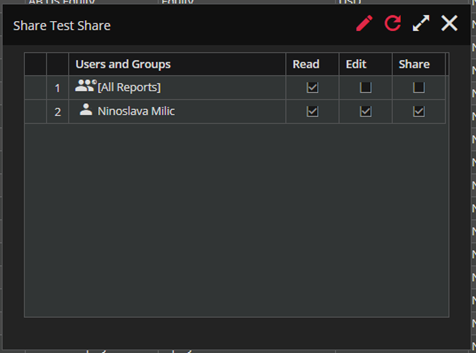
– Clicking the “SHARE” icon will pop a Share Form, as shown in the screenshot bellow.
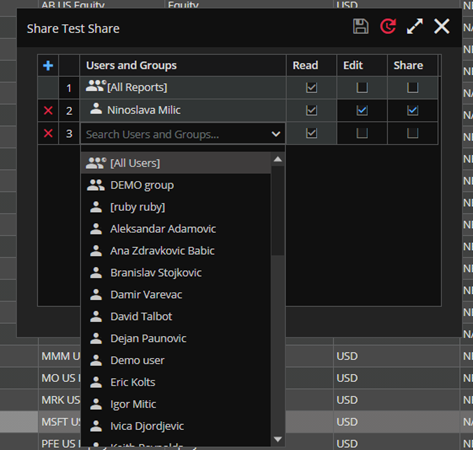
To grant permissions to additional users, simply enter the edit mode and add new row by clicking the ‘+’ icon and find desired user/group in the given dropdown list.
Here, you can grant Read, Edit or Share permissions. Read permission is automatically granted and you add Edit and Share permission if needed additionally.