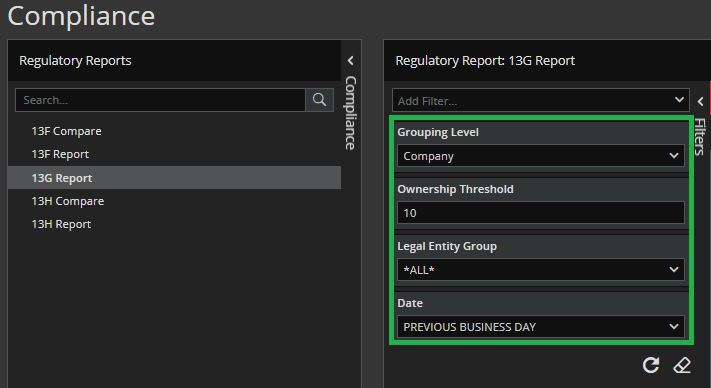
Filtering in the Singleton/Tool Modules works in the same manner for all of them: you just need to enter your criteria in the Search box that is at the top of every available tab in the left curtain.
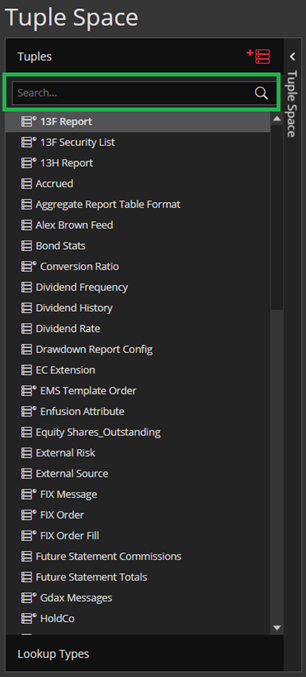
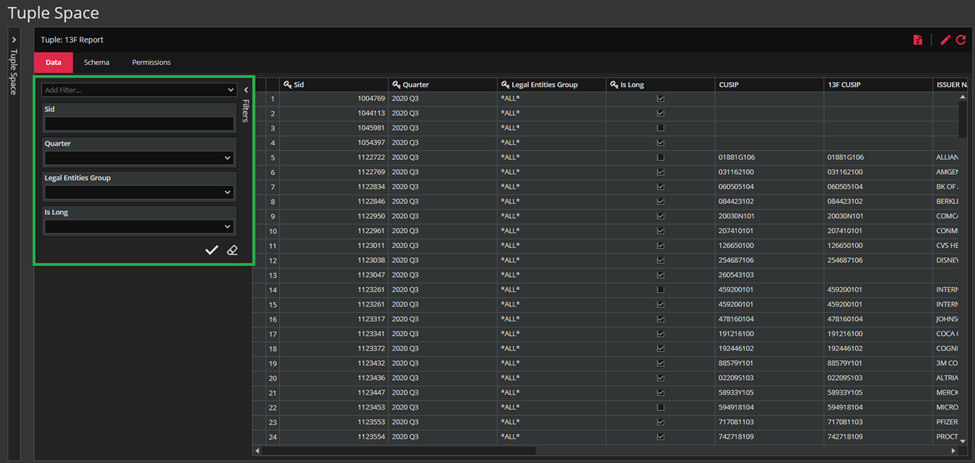
As for the filtering, Tuple Space will offer you filtering curtain, the same one we show in the Filtering and Search in Basic Modules and it works in the same way. Post-filters are not available for the Singleton/Tool modules.
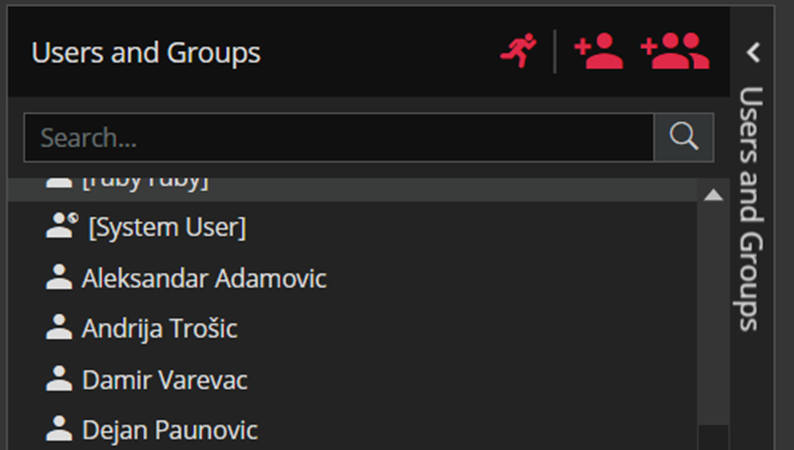
In Permissions Module, if you click on the Show All Users button, you will see all users in the application. The first time you open the page, Only Active Users will be displayed by default.
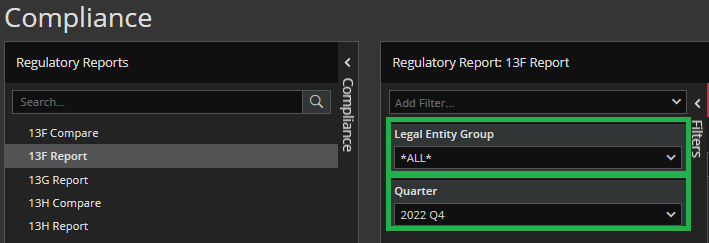
In Compliance, you will be offered Legal Entities Group and Quarter filters for 13F and 13H Report.
For 13G Report we have Grouping Level, Ownership Threshold, Legal Entities Group and Date filters.