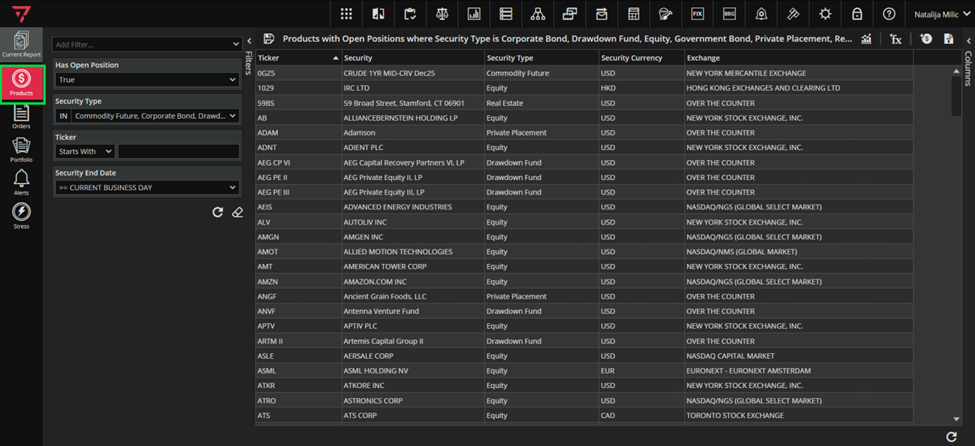
To find some specific product, navigate to Product module. The search section – Filtering Curtain is on the left.
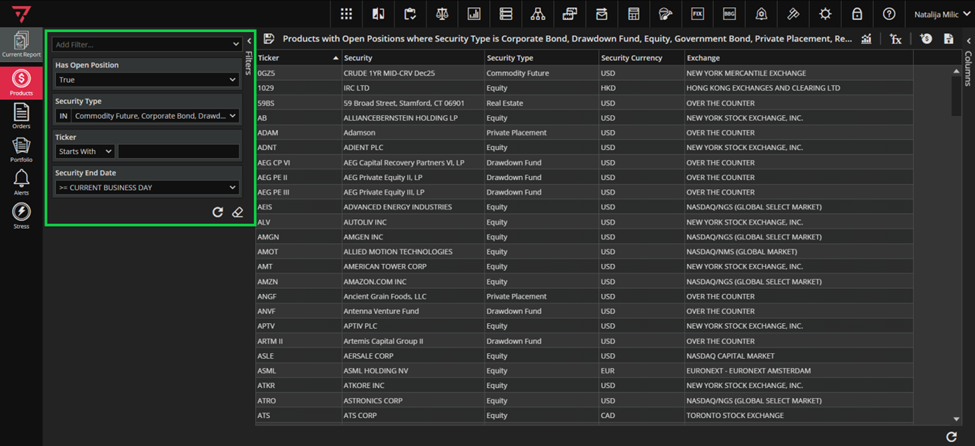
Has Open Position, Security Type, Ticker and Security End Date will be offered by default for Product Search section (this is Customer Specific set up). To find a product, for example Equity that has ‘app’ in its ticker– you will chose Equity product in the Security Type filed and type in ‘app’ with operator Contains in Ticker field. Use the filtering principles described in Filtering and Search in Basic Modules above.
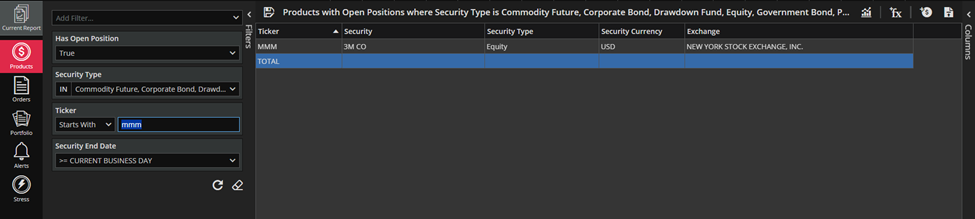
When you click Refresh button, the list of products will be narrowed down to include the results that match your filtering criteria.