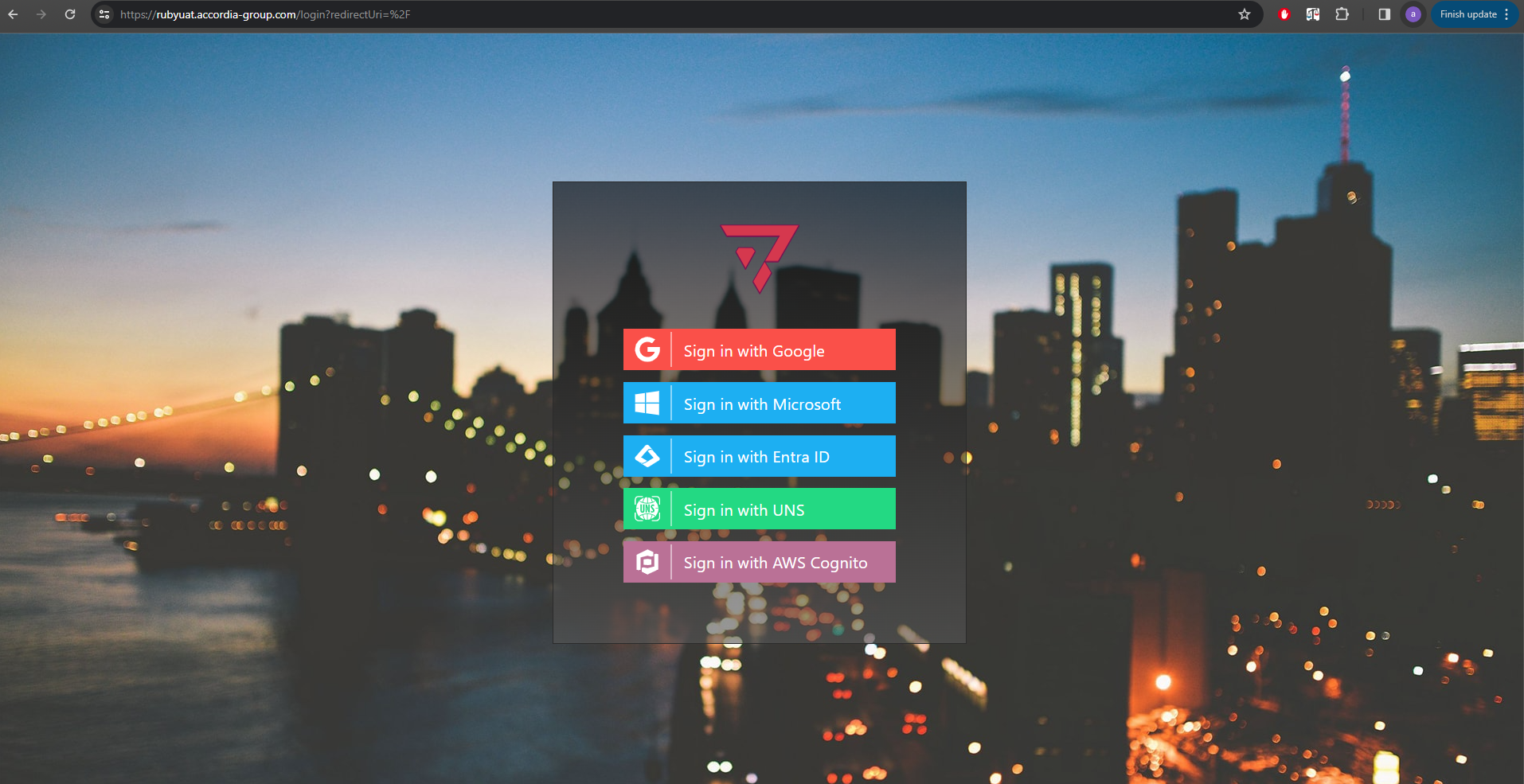
Each instance of RUBY has its own, unique environment, so your data will not be mixed with anyone else’s. In order to access your company’s instance of RUBY, open your unique RUBY URL in your favorite browser, preferably Chrome. You will get a log-in screen similar to the one below.
Depending on your company’s setup, you are able to log in either with your Google, Microsoft or Active Directory account. For example, if your company uses Microsoft 365 email accounts, you would click “Sign in with Microsoft” and use your company email and password to proceed. You may choose to save your password with the browser, and you will not have to retype it next time you log in to RUBY.