In order to support machine-to-machine authentication and authorization, you can use the OAuth Client Credentials flow – Service Principal. You will be able to generate a service principal from the UI and use it in your program. This flow will allow a machine to generate an access token and use that token to call our API.
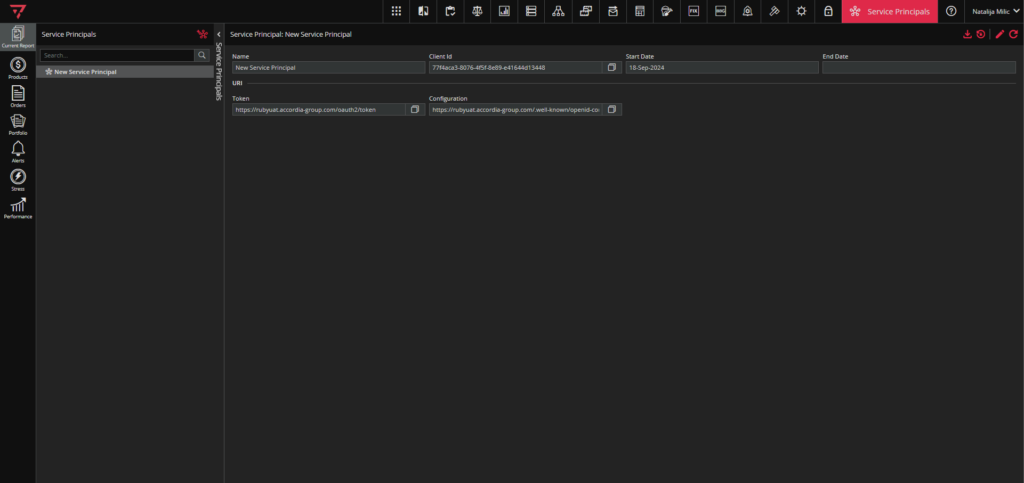
To access Service Principals module, click on the icon marked green in the singleton modules toolbar, as in the screenshot below.

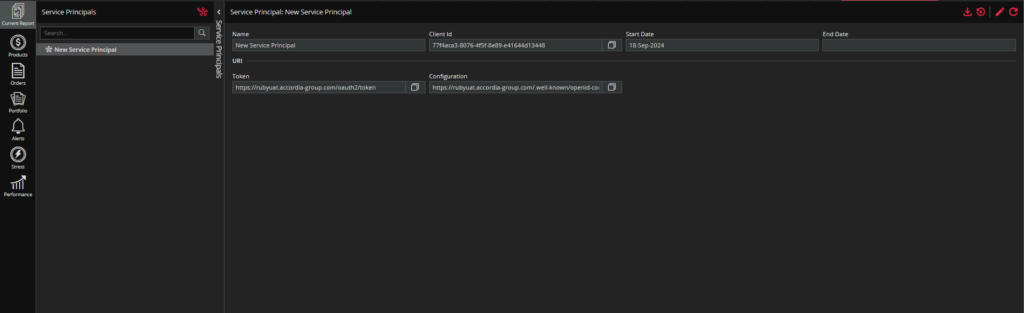
The module looks like in the screenshot below.
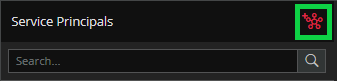
You can add new Service Principals by clicking the ADD NEW PRINCIPALS icon, as shown in the screenshot:
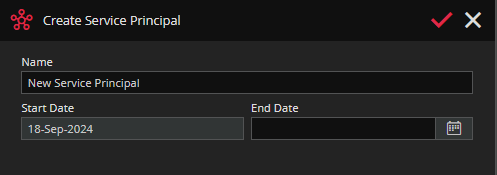
After that, there will be a Create Service Principal pop up where you can set your name and End Date for your service principal. Start Date defaults to the date when you are creating service principal.
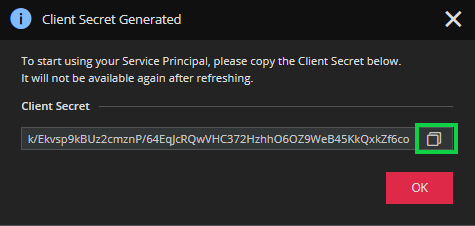
Ruby will auto-generate a first “secret” for your newly created service principal. Click on the copy button to copy it out. This “secret” will not be available through the UI after refreshing.
This is the service principle you created.
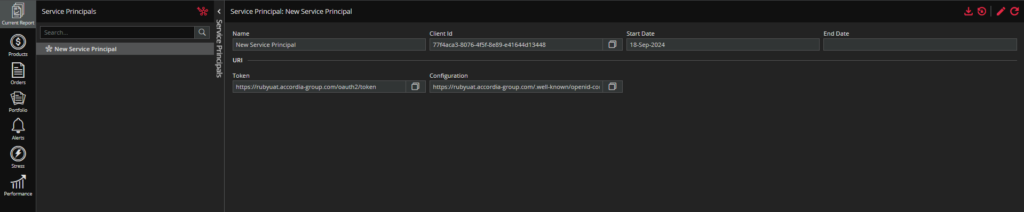
If you want to get your data in the JSON format, click on the first button on the right- “DOWNLOAD JSON” button.

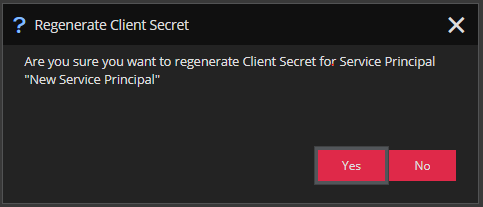
The second button on the right is “REGENERATE SECRET” button. This button allows you to generate a new “secret” in case you forgot or lost your last “secret”.
New “secret” will generate after you choose “Yes” in the confirmation message (see screenshot below).
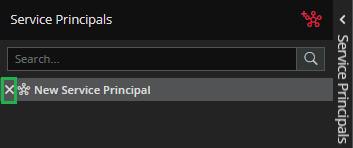
You can delete a service principal by clicking on the “X” that appears in front of the service principal name on hover.