
The Playground will let you run your queries and see the set of data you are about to retrieve by executing certain queries.
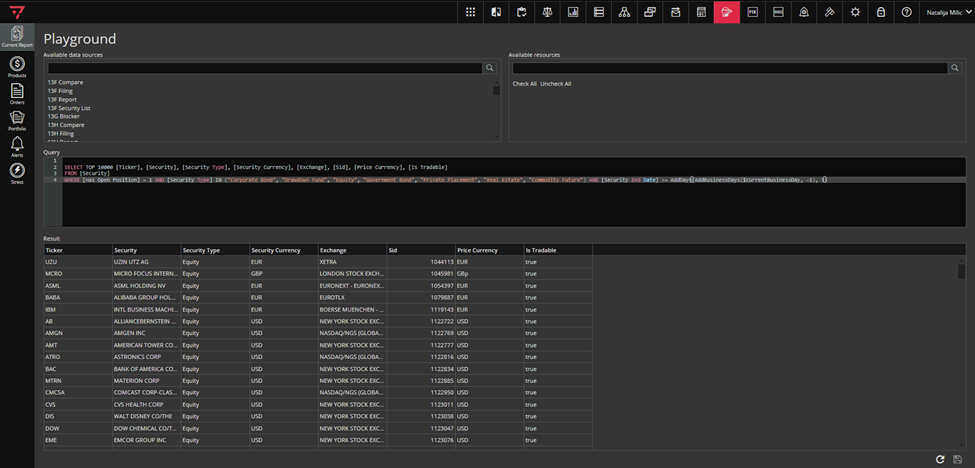
To access the Playground module, click on the icon marked green in the singleton modules toolbar, as in the screenshot below.

Enter the query you want to check in the “Query” section.
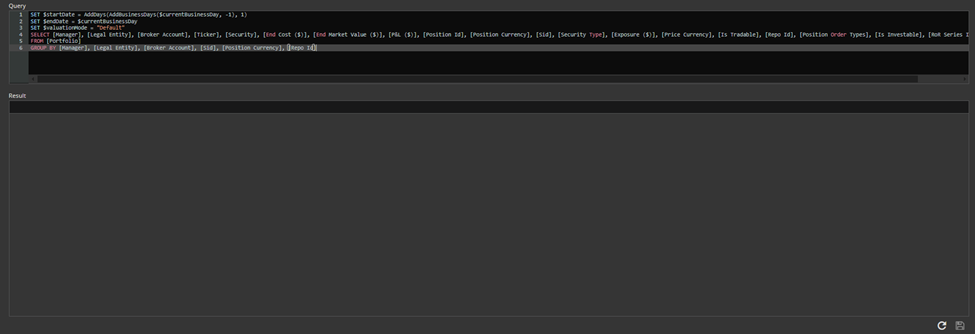
To run your query, you need to click on the “Refresh” button in the lower right corner that you see on the screen (marked green below).
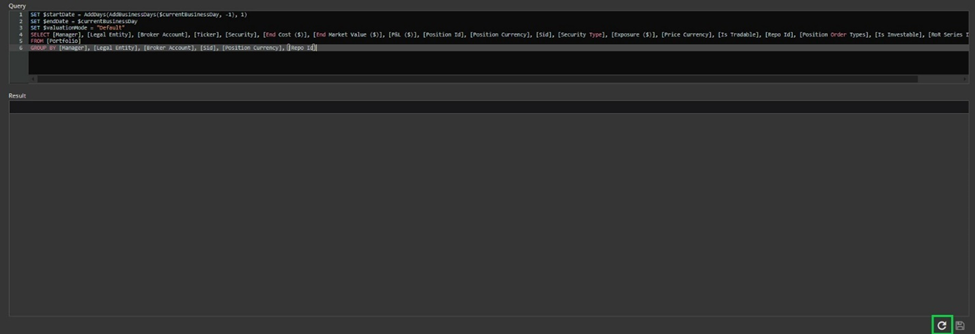
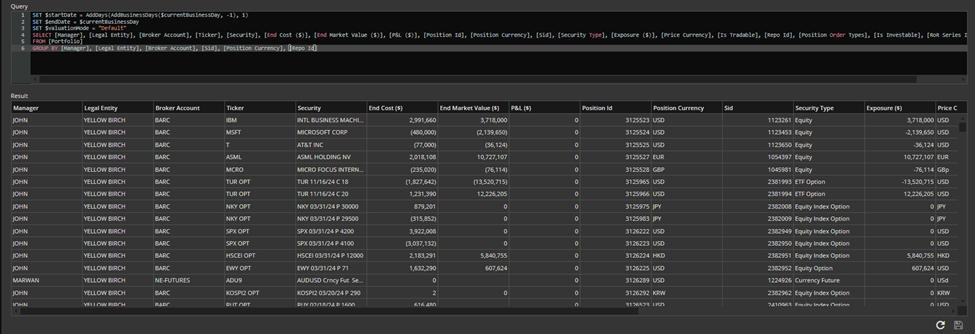
After that, in the “Result” section, you will see the data your query is fetching.
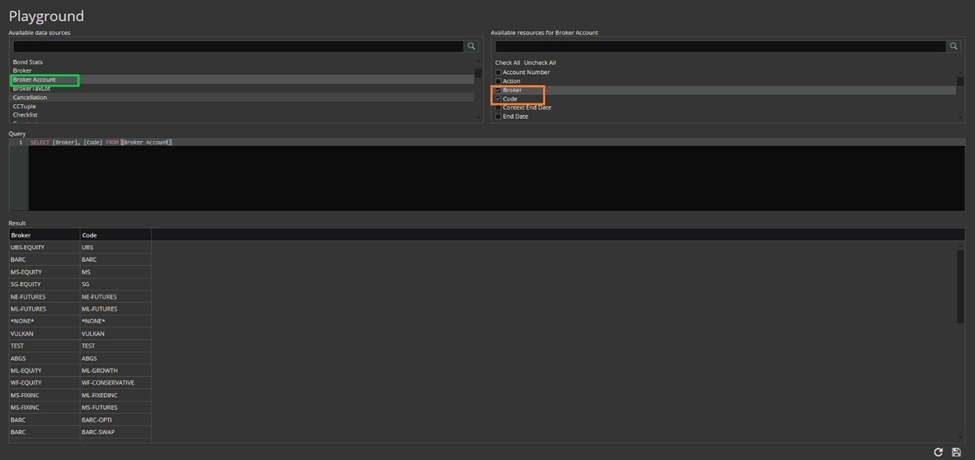
Ruby will allow you to create report upon any available data source such as security, order, portfolio, tuple space etc…
In the left column, you select the desired tuple (marked green in screenshot below), and in the right column, you select the columns you want in your report after clicking on the selected tuple (marked orange in screenshot below).
To save your report you need to click on the SAVE button in the lower right corner of the grid (marked green in screenshot below).
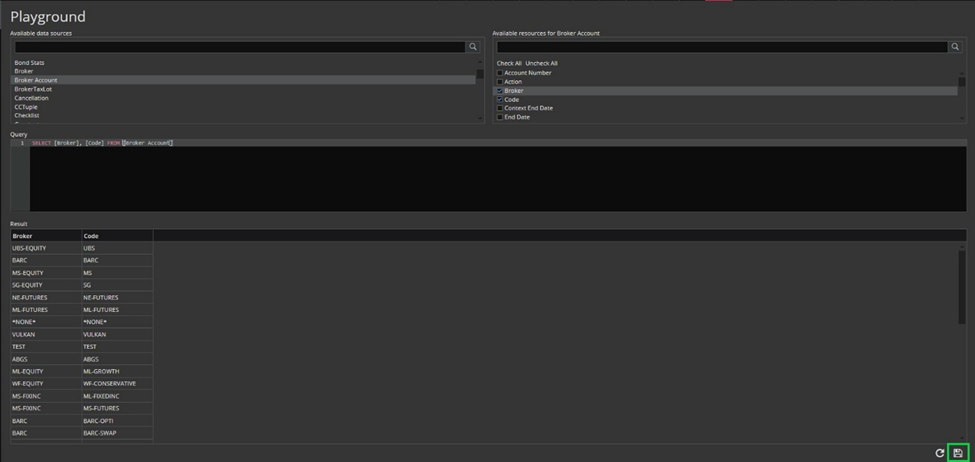
Saving report is already described in Working with Views/Reports/Gridviews Section.
