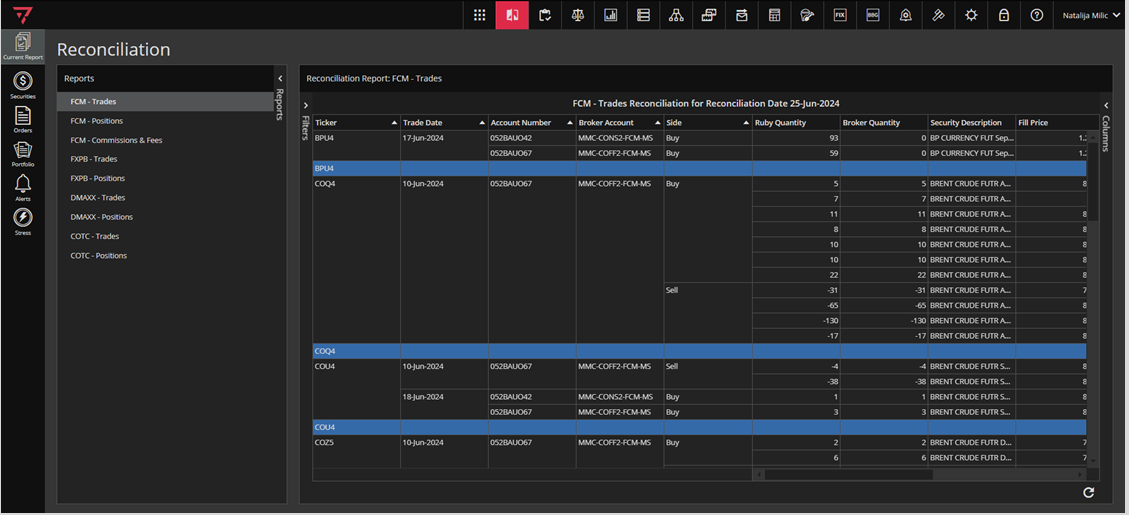
 To access the Reconciliation module, click on this icon in the singleton modules toolbar as In the screenshot below.

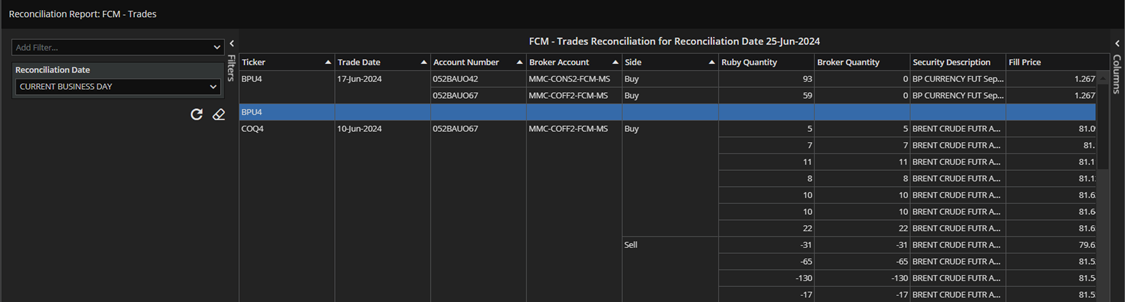
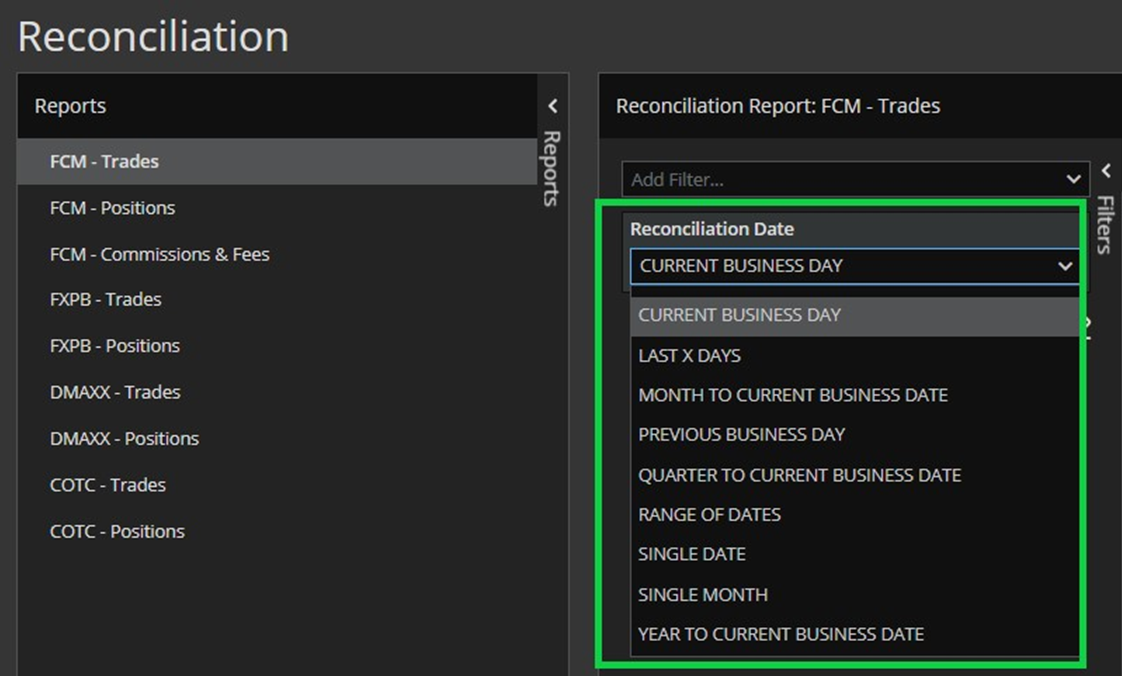
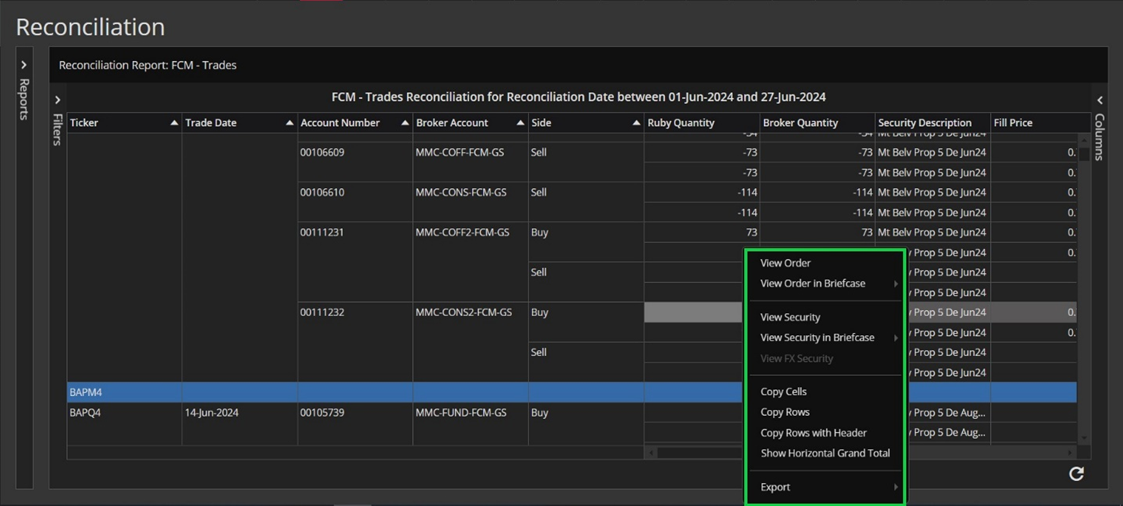
 To access the Reconciliation module, click on this icon in the singleton modules toolbar as In the screenshot below.
