Column`s header Context menu:
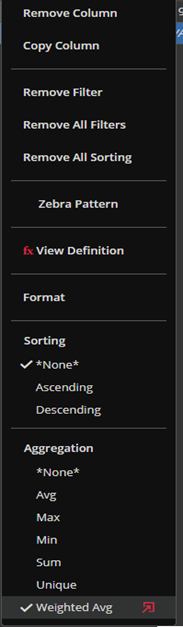
Right-clicking on the header column opens a context menu in with options related to grid customization.
Remove Column – By clicking on this action, you will remove the column you clicked at.
Copy Column – By clicking on this action, you will copy all the data of the column you clicked at.
Remove Filter – By clicking on this action, you will remove active filter for the column you clicked at.
Remove All Filters –By clicking on this action, you will remove all active filters for all columns.
Remove All Sorting –By clicking on this action, you will remove all active sorting for all columns.Zebra Pattern – It is used for better visibility of the rows in the table. The rows are alternately colored in lighter and darker shades.
View Definition – It is visible only on calculated columns. By clicking on this action the column definition window appears and you can edit Grouping Aggregation or the definition of the column itself.
Format –By clicking on this action, you will open a formatting window. In format window, you will have the options for changing the visual appearance of the column you clicked at (Detailed information below).
Sorting –In the Sorting section, you can choose the option to sort the column you clicked at.
Aggregation – Aggregations can be adjusted here. There is even the possibility of setting the additional parameters for Weighted Avg from here. In the screenshot bellow, we show you context menus of the: Securities Module, Orders Module, Portfolio, Alerts and Stress Module respectively. Actions are self-explanatory.
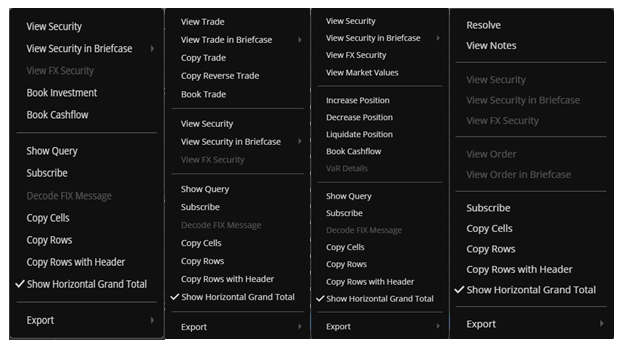
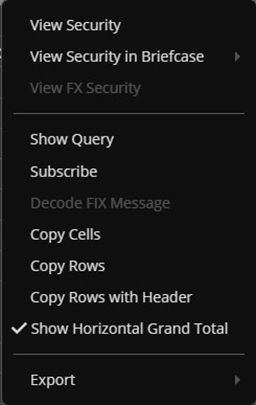
Context menus in Singleton/Tool modules may differ from module to module, but as in the Basic modules, they are very similar.
Compliance:
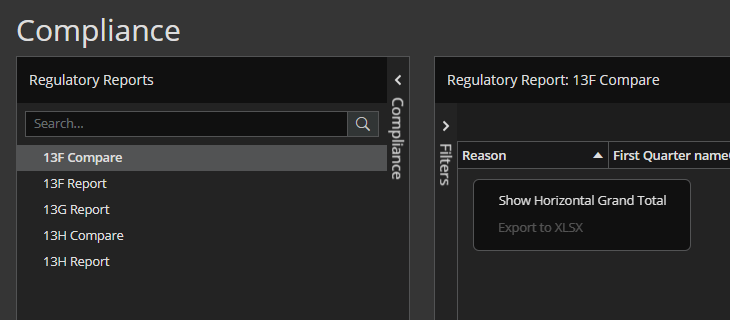
Tuple Space:
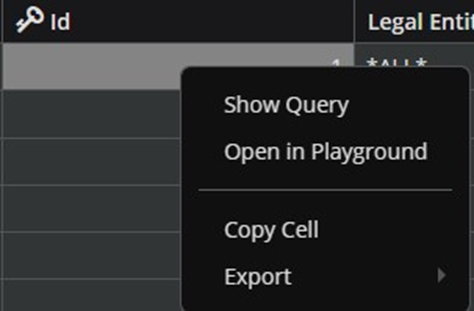
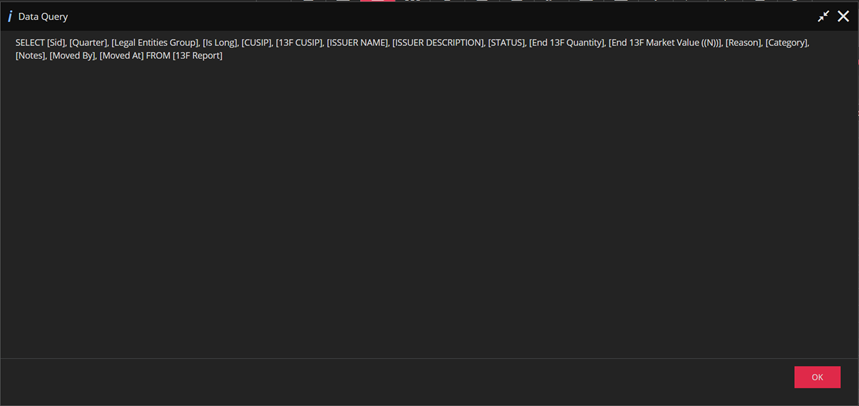
‘Show Query’ will show query for the given set of data.
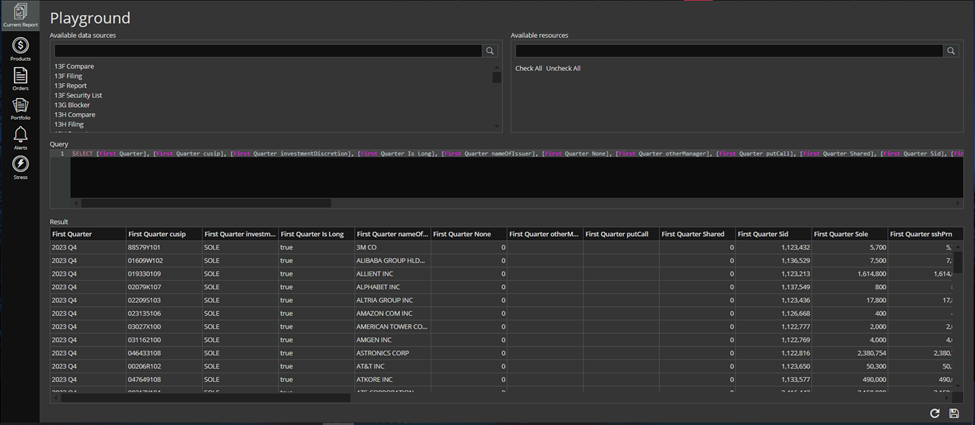
‘Open in Playground’ will open the query for the given set of data in Playground and run it.
The rest of the action is already mentioned above.
If user doesn`t have permissions for Playground module, there will be only the `Show Query` action. If there is no query the ‘Invalid query.’ message will pop up when user choose Show Query action.
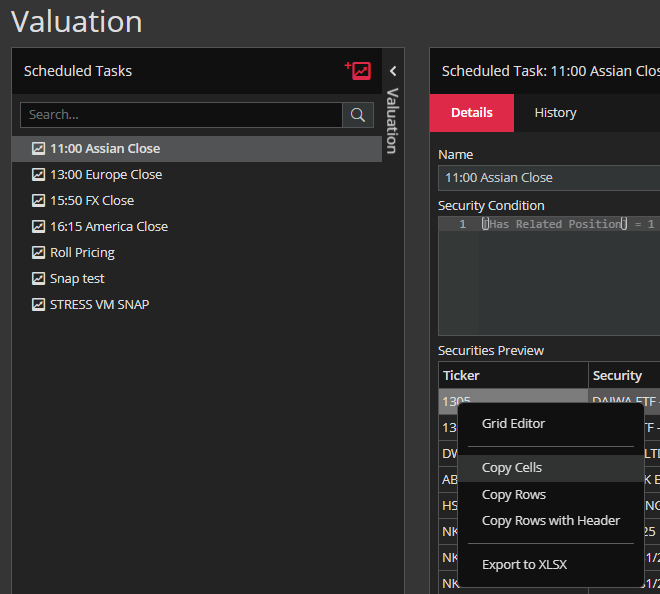
Valuation: